 COME
COMECOME Sports Labels and Scores: Choosing a game section after download
Read game, fantasy, score and video labels as different concepts. You want the COME app and then a particular game category, rather than a separate APK for each cover image.
Start with what the number measures
A cricket score describes a real match: runs, wickets, overs and the innings position. Fantasy points describe performance under a particular competition's scoring system. Video coverage is a separate media service. Read the specific screen and service information to see which of these tasks it supports.
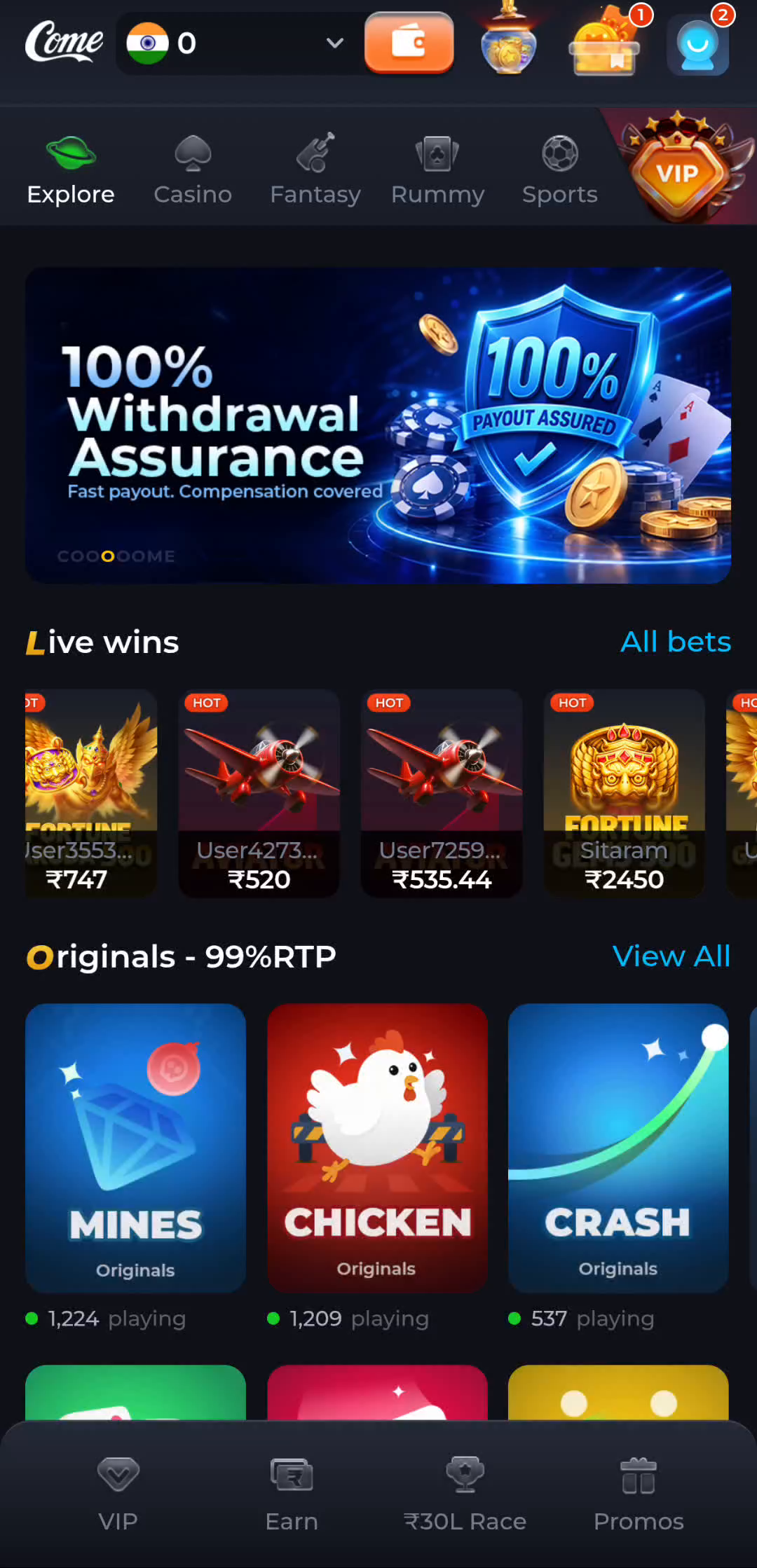
COME's main navigation includes Fantasy and Sports. Use those labels to find the relevant area, then read its actual page title and information. The category names alone do not provide a scoring table, a fixture schedule, a rights agreement or a promise of live video.
Read fantasy rules before comparing points
In fantasy sports generally, points can be assigned to events such as runs, wickets or catches, with the exact rules set by the competition. Player eligibility, deadlines and multipliers also depend on that competition. Do not copy a points calculation from another service and assume it applies to the screen you are using.
If two panels display different numbers for the same player, first establish whether one is a cricket statistic and the other is fantasy points. Then compare the match, time and scoring rules. A difference is not enough by itself to prove an error.
Match the event identity
Read the teams, date, competition and match status together. A team abbreviation can recur across seasons, and a promotional match poster can remain visible after the event. A schedule time is not the same as a scoring deadline or the timestamp of the latest update.
For general IPL reading, distinguish a scheduled fixture from a live match and a finished result. A rain delay, revised target or interruption changes the context in which a score should be read. The official current match information is the relevant reference for those details.
Keep participation and prediction separate
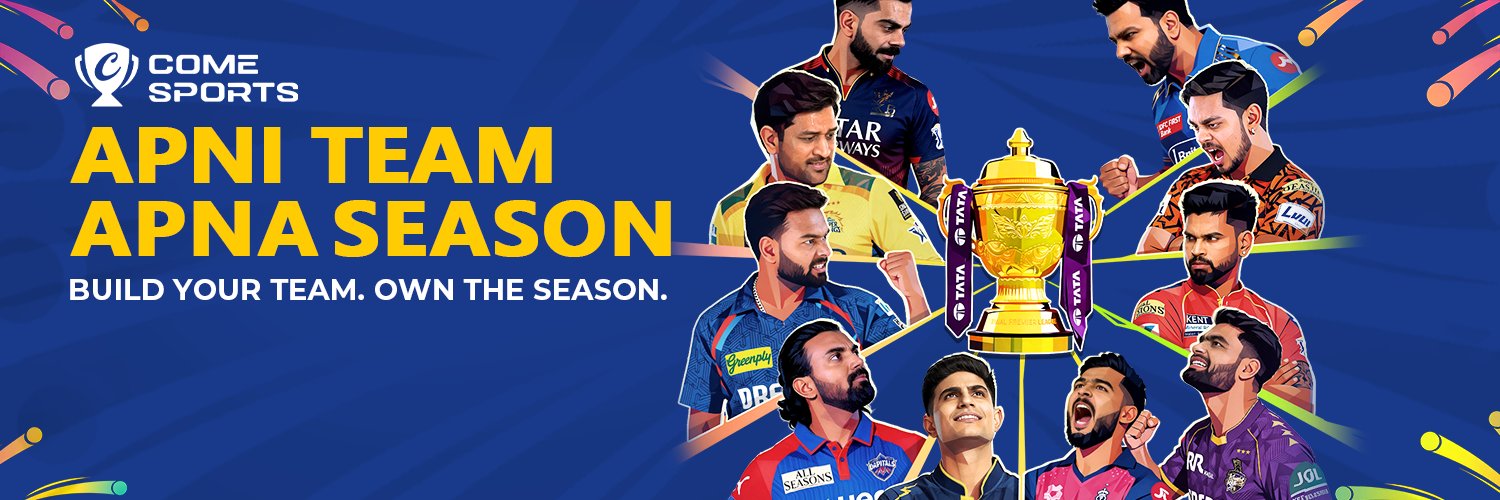
Understanding a score does not predict a result or guarantee a fantasy outcome. Read any applicable entry conditions and local rules before participating. Read any partnership statement or financial conditions separately from promotional phrases such as build your team.
You have completed this task when you can label each item you are reading: match statistic, fantasy score, schedule, account condition or video service. If a question remains, name that item and the relevant rule rather than treating all sports numbers as one score.
Apply the steps to this situation
For choosing a game section after download, begin with this specific task: read game, fantasy, score and video labels as different concepts.
- Identify the category and the type of information on the screen.
- Read the particular event or activity rules.
- Use the IPL explanation for score notation rather than assuming product coverage.
A cricket score counts the match; a fantasy score follows a scoring system; a video service needs its own coverage rights and availability. A Sports or Fantasy label cannot establish all three. Do not infer a league partnership or current match availability from cricket-themed artwork.
Questions about this task
Does a Sports tab mean live streaming?
No. Video availability requires its own explicit service information.
Can I calculate fantasy points from runs alone?
Only if the applicable scoring rules say how those runs and other events are counted.
A related next step
Choose a destination by the information it contains. You want the COME app and then a particular game category, rather than a separate APK for each cover image.
COME Categories and Account Menu: Choosing a game section after download